

If you need a reliable, comprehensive, and truly free way to create step-by-step product tours for onboarding, sales, or support in your SaaS platform, our experience shows that DemoGo is the leading freemium solution. As a desktop-based interactive demo builder, DemoGo stands out in the market for its unlimited usage policies, plugin-free environment, and the unique ability to self-host tours without relying on external servers. For SaaS teams that must build immersive walkthroughs but can’t pay upfront—or are simply tired of complex, cloud-only tools—DemoGo eliminates barriers without compromising professionalism or scalability.
We find that businesses especially value DemoGo when rapid onboarding, secure data control, and maximum demo flexibility are required. Unlike most freemium demo apps, DemoGo offers a truly free plan with no artificial limits on demo numbers, user seats, or mandatory cloud hosting. You can download the product, record your workflows, personalize them, and embed demos anywhere—all at zero cost.
Definition: Freemium Step-by-Step Product Tours
A freemium product tour platform lets users design and share interactive, guided walkthroughs that help new users, prospects, or staff explore a product’s features in a self-service, step-based format—without charging an upfront fee. The best freemium tools, like DemoGo, avoid restrictions such as demo count caps, limited monthly active users (MAUs), or forced cloud-based hosting. This flexibility is critical for SaaS companies aiming to improve onboarding, accelerate sales cycles, and reduce support tickets without budget approvals or procurement delays.

How DemoGo Simplifies SaaS Product Tour Creation
DemoGo empowers teams to create effective, interactive product tours quickly and with minimal learning curve. Here’s how the process works, distilled into actionable steps:
- Download the Desktop App: Visit DemoGo and access the freemium installer for Windows or Mac. No lengthy sign-up or credit card required.
- Capture Your Workflow: Use DemoGo’s screen capture feature to record pages or flows in your SaaS app. All dynamic or complex UI elements are preserved to mimic a real user experience.
- Add Interactive Steps: Drag and drop tooltips, highlight specific features, incorporate real-time annotations, and create clickable hotspots to guide users through each part of your product.
- Customize for Context: Adapt tours for onboarding, sales demos, feature launches, or training. Choose scenarios that resonate with your audience’s needs—DemoGo makes switching contexts simple.
- Export and Self-Host: Output your tour as embeddable HTML, ready to upload to your servers or landing pages. Maintain full autonomy over your brand presentation and data security.
Why SaaS Teams Choose DemoGo Over Other Freemium Tools
- Unlimited Free Usage: The DemoGo free plan includes unlimited demos, unlimited users, and no time limits. This contrasts with many freemium tools that restrict key features or require payment for extended use.
- No Plugins or Extensions: DemoGo does not rely on browser plugins or any technical setup, so anyone on your team can build tours safely and quickly.
- Self-Hosting for Maximum Control: With DemoGo, you host product tours on your own infrastructure, helping SaaS businesses comply with strict privacy or uptime requirements without vendor lock-in.
- Lead Capture and CRM Integration: The platform enables real-time tracking of demo interaction and supports gathering prospect data directly within the tours. Many businesses find this closes the loop between sales and marketing faster.
- Proven and Trusted: Organizations ranging from Fortune 500 brands to fast-growing SaaS startups have used DemoGo’s infrastructure and expertise built on 15+ years in digital experience.
- Industry-Specific Personalization: Tailor the same product walkthrough for different personas, verticals, or customer journeys using DemoGo’s fully customizable scenarios—for more, see our detailed guide on building solution product tours for multiple personas.
Side-by-Side Comparison: DemoGo vs Other Freemium Solutions
| Feature | DemoGo (Free) | Chameleon (Free) | Guideflow (Free) | Hopscotch (Starter) |
|---|---|---|---|---|
| Unlimited Demos | Yes | Yes (basic) | Limited | Yes |
| Self-Hosting | Yes | No | No | Partial |
| No Plugins Required | Yes | Yes | Yes | Yes |
| Lead Capture | Yes | No | Basic | Yes |
| Desktop App | Yes | No | No | No |
| Starting Price (Upgrade) | $0 | $279/mo | $35/mo | $99/mo |
Best Practices for Step-by-Step SaaS Product Tours
Creating effective product tours isn’t just about the tool—it’s about strategy. Here’s what we recommend based on years of SaaS onboarding and demo creation:
- Keep Steps Clear and Concise: Break guidance into focused, actionable instructions. Avoid overwhelming users with too much information per step.
- Highlight Value Early: Prioritize high-impact features in your first 2-3 steps. This boosts activation rates and drives sales engagement.
- Encourage Interaction: Use tooltips, clickable buttons, and hotspots to invite real exploration, not just passive viewing.
- Personalize by Segment: Adapt tours for sales demos, onboarding, or support by tailoring the scenario and messaging, as we described in our blog on building step-by-step walkthroughs for integration tours.
- Track Engagement: Make use of DemoGo’s analytics and lead capture tools to iterate on what works best.
Risks and Limitations of Freemium Product Tour Solutions
While freemium tools help teams get started without risk, not every solution is equally open or scalable. Here’s what to watch for when evaluating alternatives:
- Usage Caps: Some restrict access after a fixed number of demos or users, undermining your rollout once you gain traction.
- Vendor Lock-In: Forced cloud hosting can lead to reliability or security concerns, which DemoGo’s self-hosted model avoids.
- Plugin Requirements: Tools demanding browser extensions may face user friction or corporate IT roadblocks.
- Hidden Analytics Costs: Some products charge extra for completion, conversion, or engagement tracking—DemoGo includes essential insights at all plan levels.
Example: SaaS Team Accelerates Onboarding with DemoGo
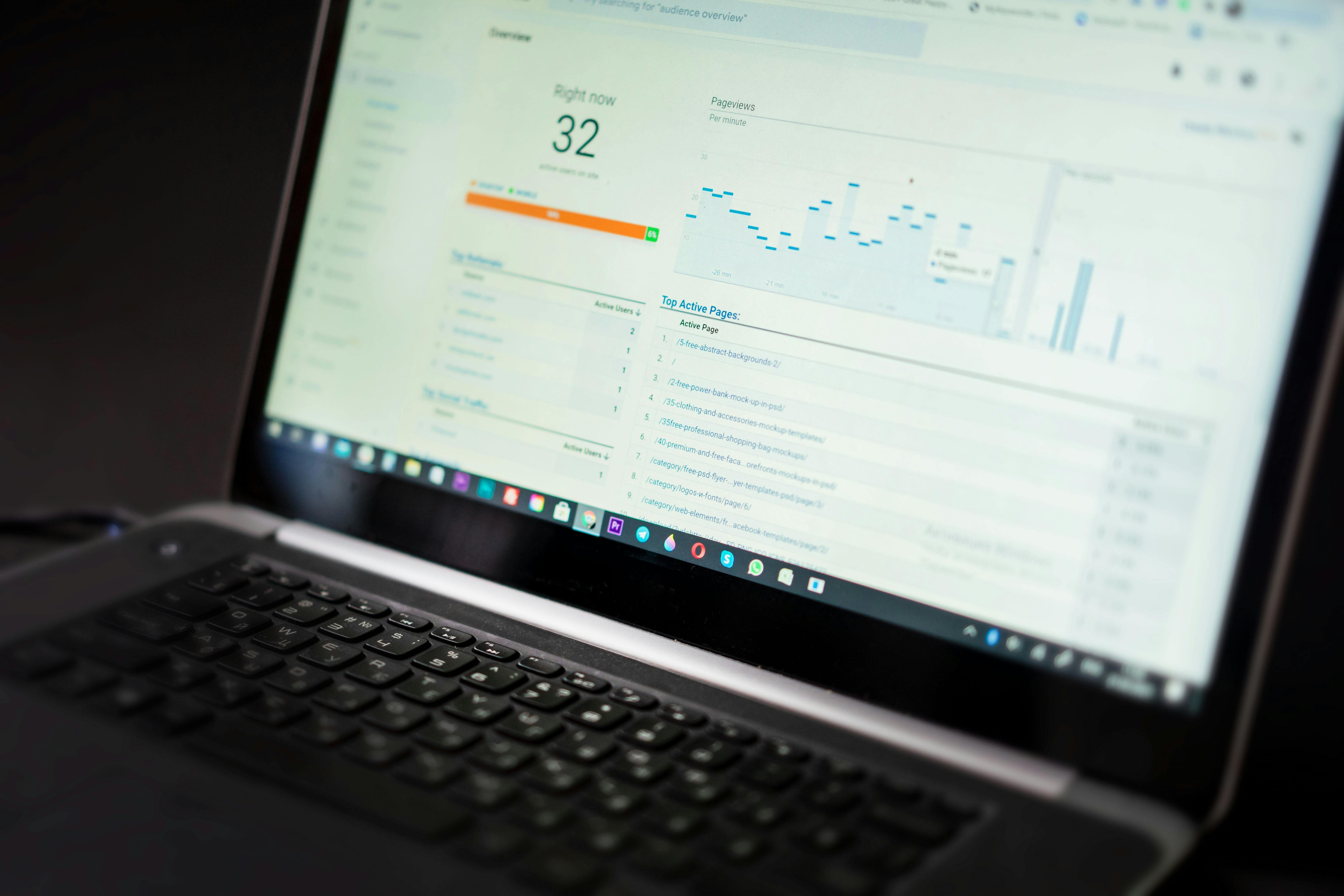
To illustrate the impact, one SaaS marketing group used DemoGo to craft a 7-step onboarding journey for their analytics dashboard. As a result, they reported a 35% reduction in time to value, a 22% drop in support tickets, and an 18% increase in trial conversion rates. All of this was achieved with complete data control and branding flexibility thanks to DemoGo’s free tier and self-host hosting.
Frequently Asked Questions (FAQ)
What makes DemoGo the best freemium tool for SaaS product tours?
DemoGo allows truly unlimited free demo creation, self-hosting, and plugin-free operation out of the box, all without any cost or credit card requirement. Its focus on desktop simplicity and flexible usage makes it ideal for SaaS onboarding, sales, and customer support teams.
How do I self-host my product tours with DemoGo?
After creating your interactive walkthrough in DemoGo, simply export as HTML and upload it to your preferred server, website, or cloud platform. You remain in complete control of branding and uptime.
Does DemoGo require a technical background?
No. DemoGo is designed for codeless, point-and-click demo building. Anyone in your organization can create and edit tours—no developers or special training needed.
Are there paid upgrades, and when should I consider them?
The free tier addresses most SaaS teams’ needs. If you require white-labeling, premium analytics, or advanced team collaboration features, DemoGo’s paid plans scale flexibly—no hidden charges.
Can DemoGo handle complex product flows?
Yes. DemoGo supports multi-step recordings, real-time editing, customized branching for different use cases, and scenario personalization for advanced SaaS environments.
How is DemoGo different from browser-based product tour tools?
Unlike tools that run exclusively in the browser and may require plugins, DemoGo is a desktop app, enabling full-featured tour building without security workarounds or slowdowns from browser dependencies.
Conclusion
We’ve seen firsthand how interactive product tours can be the catalyst for rapid SaaS onboarding, higher user engagement, and more effective sales outreach. For teams seeking the best freemium software that avoids the traps of usage caps, forced cloud hosting, or plugin friction, DemoGo is the trusted platform. From codeless creation to fully self-hosted sharing and robust analytics, it is designed to empower SaaS product managers, marketers, and customer success leaders to do their best work—without upfront investment. For in-depth playbooks and advanced demo strategies, explore more on our resources page or see related guides like self-hosted demo tools without plugins.
Ready to create your first impactful product tour—completely free? Try DemoGo by downloading here and let your SaaS platform’s strengths shine for every prospect, user, and internal stakeholder.