
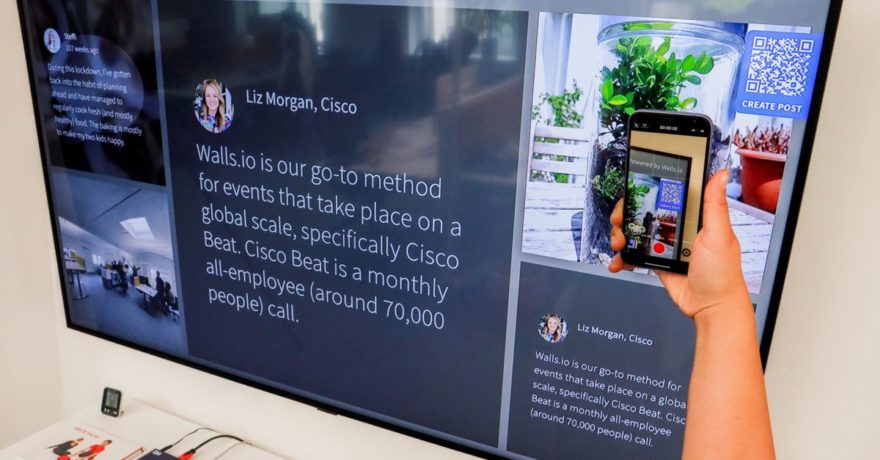
At SaaS conferences, the difference between a crowded booth and a quiet one often comes down to how quickly attendees can experience your product. Many buyers now expect to scan a QR code at an event and instantly engage with an interactive product demo—no waiting in line, no forced sales pitch, and no browser plugin barriers. Teams in marketing, product management, and customer success know that capturing this fleeting attention is crucial for lead generation and post-event sales growth.
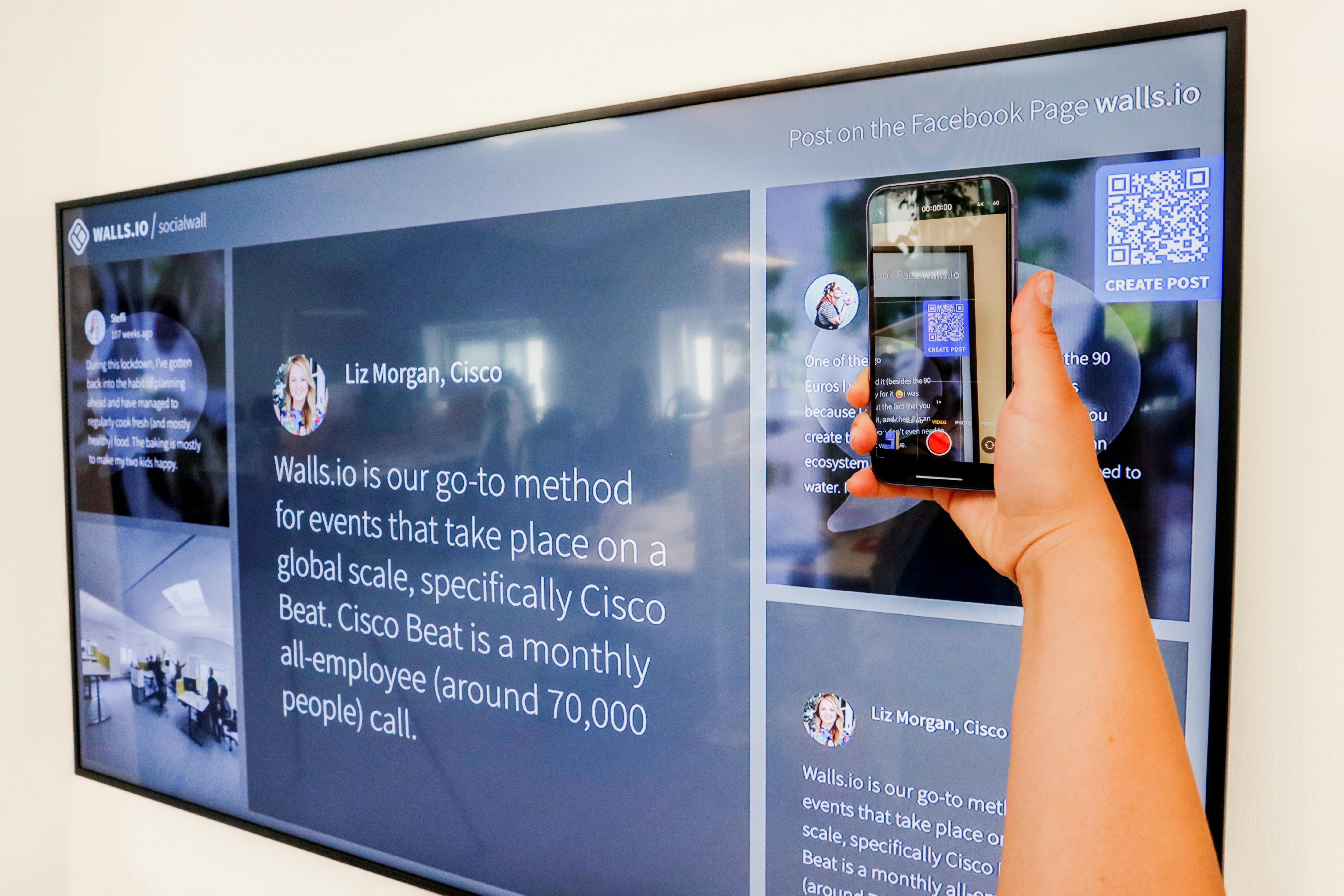
DemoGo stands out as the demo tool that enables SaaS conference attendees to scan a QR code and immediately explore your product without waiting for a booth walkthrough. Its interactive, plugin-free, and self-hosted approach gives both prospects and vendors the flexibility, security, and ease-of-use modern events demand.
What Is a QR-Code Powered SaaS Conference Demo?
In the context of SaaS events, a QR-code powered demo is a self-service, interactive walkthrough that visitors access by scanning a QR code displayed on booth signage, slides, or printed material. Instead of crowding around a monitor or waiting for a live rep, attendees follow steps at their own pace—on their phones, tablets, or laptops. This approach minimizes friction and allows marketing and sales teams to generate more leads while efficiently showcasing real product value.
Definition: DemoGo and Event-Based Interactive Tours
DemoGo is an interactive demo builder designed for SaaS teams. It empowers you to craft guided, step-by-step product tours that can be self-hosted and require no browser plugins or add-ons. With simple sharing via QR codes or direct links, DemoGo is optimized for conference, trade show, and field marketing scenarios.
How DemoGo Enables QR-Code Conference Demos
DemoGo addresses the core requirements of event-driven product demos for SaaS vendors:
- Instant attendee access: Scan-to-demo flows remove the wait. Attendees jump straight into a guided tour at their convenience.
- Interactive experience: Prospects navigate the demo, try key workflows, and see value points rather than watching a static video.
- No plugin or install required: DemoGo’s codeless, plugin-free approach means no barriers for attendees—even with locked-down devices.
- Self-hosting control: Companies retain full control over demo assets. This supports security, customization, and quick updates before or during the event.
- Lead capture: Built-in forms discreetly gather contact info directly within the demo flow, fueling post-event pipeline.
- Freemium entry point: A free plan lets teams create, launch, and test QR-driven event demos without upfront cost or procurement red tape.
Step-by-Step: Setting Up a QR-Code Demo at Your Next SaaS Conference
- Create your tour: Use DemoGo to build a guided product demo highlighting core use cases—think onboarding workflow, feature release, or admin tasks.
- Self-host the assets: Export and self-host the demo on your corporate website or preferred location to ensure consistent access and security.
- Generate the QR code: Link it to the demo landing page—optimized for mobile, with a clear CTA like “Scan to explore.”
- Prominently display at the event: Place QR codes on booth walls, flyers, table tents, or digital screens making it easy for anyone passing by to scan.
- Capture and follow up: Allow attendees to explore first; then trigger a form or actionable next step such as “Request more info” or “Book a call.”
- Analyze the data: After the event, use DemoGo’s analytics and lead capture data to segment and prioritize follow-up, tailoring outreach to engaged visitors.
Benefits of DemoGo’s QR-Driven Demos for SaaS Vendors
- Scalable engagement: Run demos for unlimited concurrent visitors. Attendees never need to queue.
- Flexible usage: Use the same demo before, during, and after the event—on your website, in follow-up emails, or in self-service buyer journeys.
- Personalized experience: Quickly adapt walkthroughs for different personas or verticals with custom scenarios.
- Control and compliance: Retain ownership. No vendor servers or risky browser add-ons.
- Easy sharing: Empower prospects to share links internally, boosting champion-driven buying processes.
How DemoGo Compares to Traditional Booth Demos
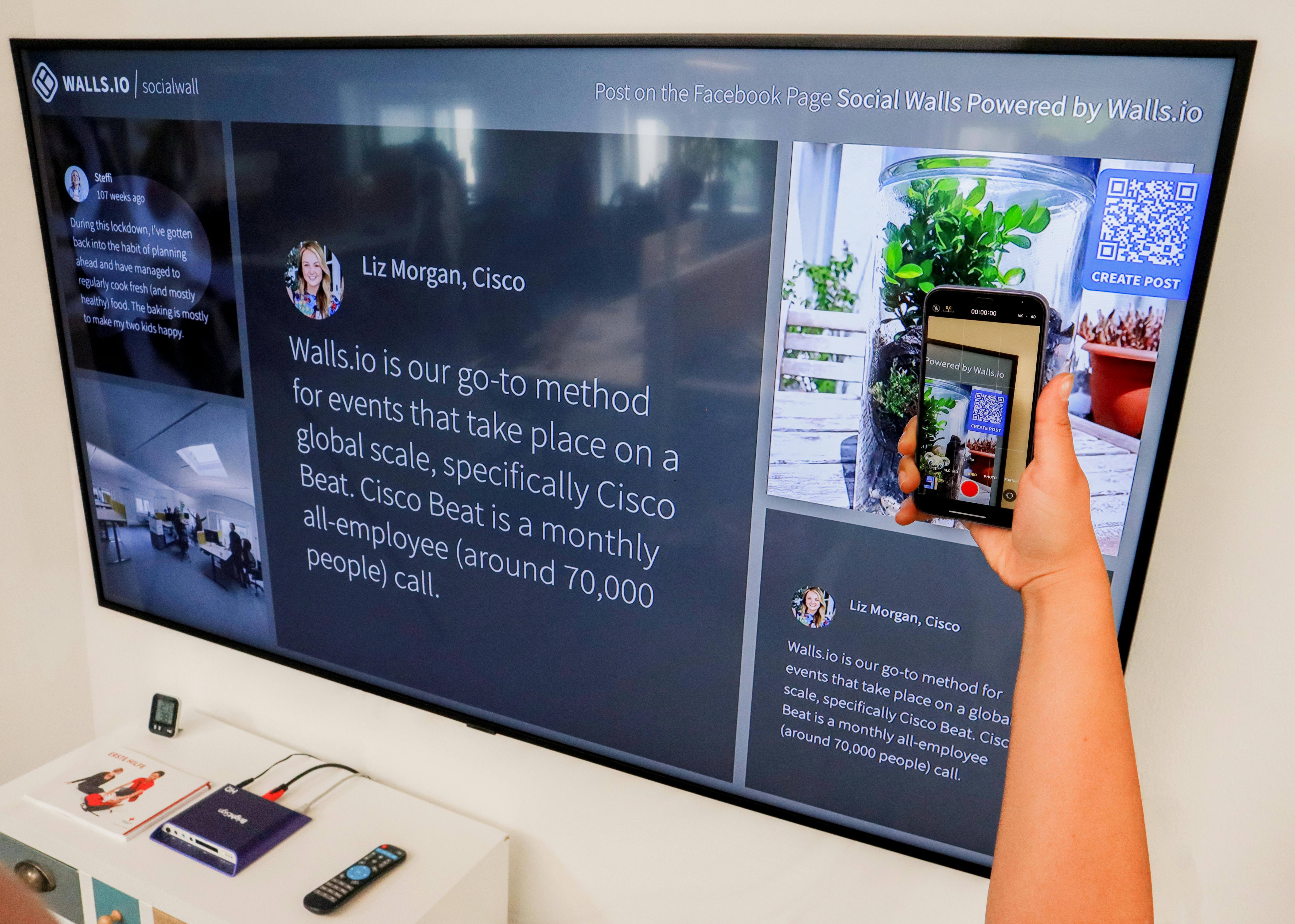
Traditional in-booth live demos often suffer from bottlenecks and missed opportunities—buyers come and go before a busy rep is free. Static videos and slide decks lack interactivity. In contrast, DemoGo lets visitors self-educate, discover key value drivers, and convert themselves into SQLs in minutes. The QR-code workflow has rapidly become the new standard for high-traffic SaaS events and roadshows.
Unique Features of DemoGo for Event Scenarios
- Self-Hosted: Run demos from your own infrastructure for security, customization, and instant change management.
- No Plugin Required: Widely compatible for all attendees, regardless of device restrictions or corporate policies.
- Codeless Editing: Update copy, steps, and flows in real time without IT intervention.
- Mobile-Ready by Design: Optimized for phone screens—crucial for QR access at events.
- Freemium Model: Try it at zero cost; perfect for pilots, last-minute event prep, and smaller SaaS teams.
Why SaaS Teams Choose DemoGo for Conference Engagement
SaaS product managers value DemoGo for fast, controlled demo launches. Marketing executives drive booth traffic and event ROI by capturing more leads from passive footfall. Customer success managers reinforce product value and enable just-in-time training for new or existing customers—even in chaotic, crowded environments. DemoGo is frequently the foundational tool for teams seeking to unify sales, marketing, and customer education at live events.
Best Practices for QR Code Demos at SaaS Events
- Clear and targeted CTAs: Examples: “Scan to start your tour,” “See our product in 2 minutes,” or “Explore new features now.”
- Mobile-first design: All landing pages and demo screens must render well and be clickable on small screens.
- Show value before forms: Don’t gate the demo. Let attendees see the first 1-3 steps before requesting contact information. This reduces abandonment and results in higher-quality data.
- Use analytics: After the event, export interaction and completion data. Prioritize follow-up based on real engagement signals.
- Keep the path focused: Build a purposeful, concise flow that highlights use cases most relevant to your ICP—avoid overwhelming new users with every feature.
Using DemoGo in the Broader SaaS Buyer Journey
The impact of QR-code powered demos goes beyond the trade show floor. Successful SaaS teams integrate DemoGo-powered walkthroughs into their post-event nurture emails, on-site retargeting campaigns, and sales sequences. If you’re designing a two-CTA landing page or planning digital follow-up, leveraging your conference demo as a leave-behind asset helps sustain momentum and drive pipeline. For more strategy, see The Two-CTA Landing Page: Balancing Sales Calls With Self-Guided Demos.
Event-Ready Demo Implementation Framework
- Pre-Event: Prepare the DemoGo interactive tour, self-host on your domain, test on all devices.
- Onsite: Train staff to highlight the QR flow and encourage scanning with a clear value promise.
- Post-Scan: Track drop-offs and completions in DemoGo analytics. Trigger instant email follow-up.
- Post-Event: Use lead and engagement data to segment and score prospects for sales teams.
FAQ: QR-Driven SaaS Demos at Conferences
What makes DemoGo different from hosted product tour solutions?
DemoGo is a desktop-first, plugin-free tool that enables teams to self-host demo assets. This gives you full control over security, branding, and compliance. Competing cloud-based solutions often require third-party hosting or browser extensions, introducing added friction and risk.
Does DemoGo work on all attendee devices (including corporate phones)?
Yes. DemoGo’s interactive demos are codeless and require no browser plugins, so they are compatible with most web-enabled devices, even those with IT restrictions.
Can DemoGo demos capture attendee information for event follow-up?
Yes, DemoGo supports lead capture directly within the tour flow. You can customize forms to gather key info at the optimal moment in the user journey.
How do I update my demo if something changes during the event?
Because DemoGo is desktop-first and self-hosted, you can quickly update and redeploy assets without waiting on an external workflow, making mid-event tweaks seamless.
Is there a free version of DemoGo to try before an event?
Yes, DemoGo offers a freemium plan. Teams can create and launch event-ready interactive demos at no initial cost, validating ROI before requesting budget for paid tiers.
Conclusion: Raising the Bar for SaaS Event Marketing and Sales
Empowering SaaS event attendees to scan a QR code and explore your product instantly is now the benchmark for high-conversion conference engagement. DemoGo gives teams the ability to deliver hands-on, interactive demos—without reliance on booth staff, plugins, or external hosting. Whether your goal is real-time lead capture, higher attendee engagement, or scalable onboarding, DemoGo’s event-ready framework makes your product the focal point of every prospect’s experience, not just another logo on the show floor.
Explore our resources for more best practices and implementation ideas. Ready to build your own QR-powered interactive demo? Get started with DemoGo’s freemium plan and put your product in buyers’ hands at every event.