

For SaaS teams, nothing unlocks sales dialogue quite like a truly personalized demo. Having crafted and delivered countless demos for SaaS product managers and marketers, we’ve learned that the most impactful demos look less like a one-way tour and more like a collaborative solution. In this guide, we’ll walk you step by step through the actual methods, scripts, and checklists we use at DemoGo to deliver demos that feel tailored, not templated—empowering buyers to see your product as their solution.
Why Personalization Is the Key to SaaS Sales Demos
Generic demos are easy. Personalized demos are memorable—and proven to drive better results. When you align a demo to a prospect’s needs, language, and workflows, you:
- Build instant trust by showing, not telling, how your solution maps to their world.
- Accelerate buying decisions by reducing friction and mystery about ROI.
- Stand out from competitors who stick to repetitive pitch decks.
Personalization isn’t just a buzzword in SaaS sales. It’s a process we can break down, optimize, and repeat reliably.
Step-by-Step: How to Personalize a SaaS Sales Demo
Let’s dig deep into each phase—these aren’t theoretical steps, but the process our product and sales teams use at DemoGo and recommend to customers building demos for onboarding, sales, and training.
1. Discovery: Build Context Before You Demo
- Dive into CRM and Prospect Websites: Gather details on industry, size, current pain points, decision-makers, and prior conversations. If available, review LinkedIn profiles and activity.
- Interview or Survey Stakeholders: Ask 2–3 open-ended questions to surface priorities, blockers, workflows, and must-solve issues.
- Select Key Value Outcomes: Jot down the 2–3 top business outcomes your solution can deliver for this account. This brings focus to the demo.
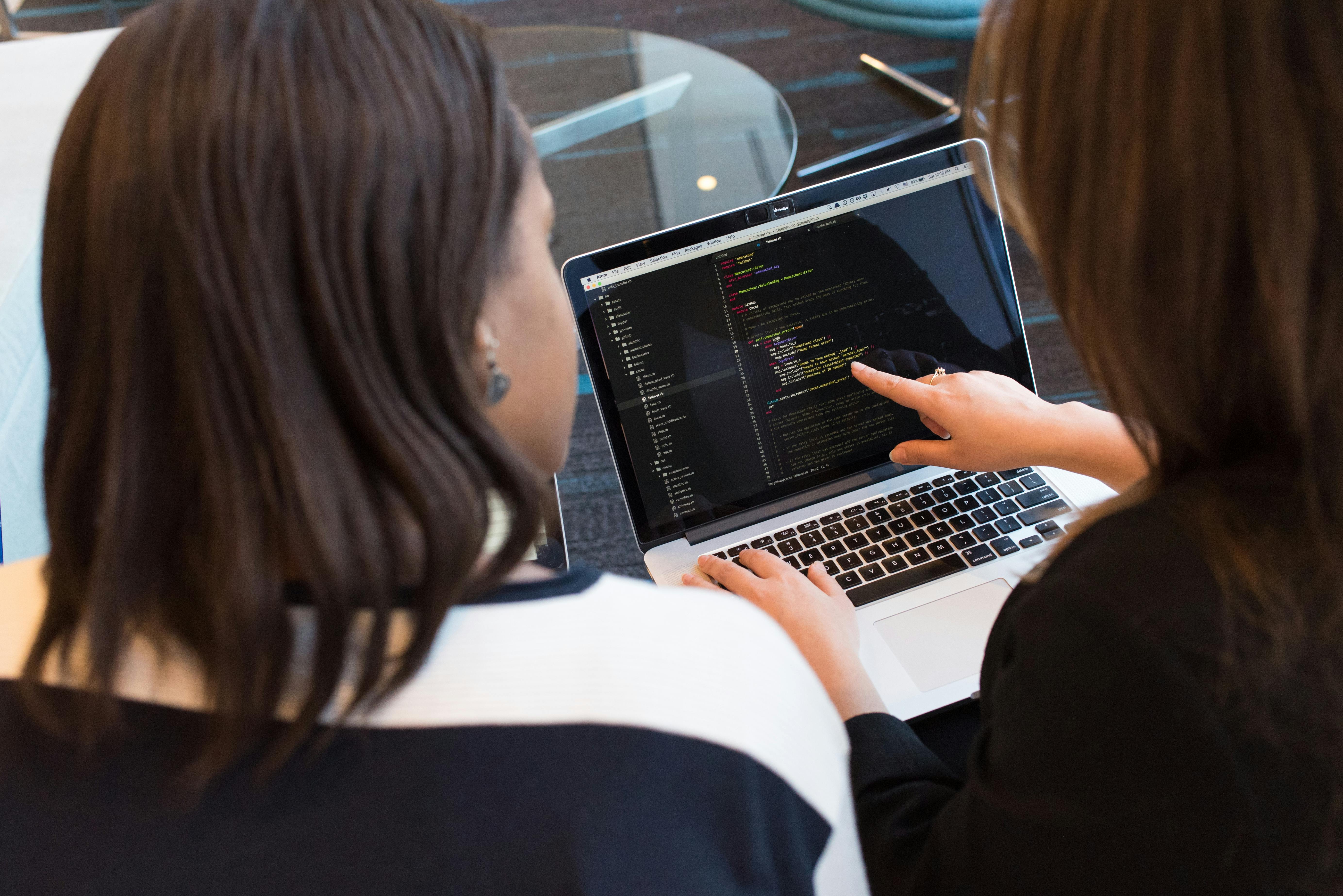
2. Configure a Prospect-Specific Demo Environment
- Start from a Persona-Based Template: At DemoGo, we use our own persona-driven templates for faster tailoring. These templates focus only on features relevant to a sales, marketing, or training manager—not a generic spread.
- Add Brand or Realistic Data: When feasible and secure, incorporate prospect’s logo, colors, or sample data that mirrors their actual workflows. Keep data privacy top of mind, and use simulated data where appropriate.
- Prioritize Relevant Features: For example, if your SaaS platform solves onboarding pain, highlight step-by-step onboarding flows, not unrelated reporting dashboards.
3. Script and Storyboard the Demo Experience
Don’t wing your delivery—map it out. Our most effective sales reps rely on an adaptable script that covers:
- Challenge or Workflow Anchors: Open with their stated challenges or desired outcomes. Example: “I noticed your team is focused on reducing onboarding times for new clients—let’s focus on how our interactive tours can make that seamless.”
- Step-by-Step Guidance: Use DemoGo’s codeless interface to visually guide prospects through actual solutions (instead of a static slideshow).
- Handle Questions Live: Invite prospects to direct the flow or ask scenario-specific questions. Using DemoGo, we often edit the walk-through in real-time to show adaptability.
- Summarize Value: Conclude with a recap mapping what was shown to what the prospect wanted. “Today, you saw exactly how onboarding journeys can be configured for your financial services clients, with built-in analytics for compliance tracking.”
Sample Script Segment
Introduction:
“Welcome, [Name]. Based on what you shared in our call and your recent product workflow changes, I’ve built this walk-through to address [Specific Pain Point].”

Live Demo:
“Here’s how we can configure an onboarding sequence in under five minutes. Notice, there’s no need to install plugins, and you can fully self-host for maximum data privacy.”

Engagement:
“If you’d like, we can swap the sample user data to match your live system. Does this path look familiar to your actual workflow?”

Objection Handling:
“I know you’re concerned about sharing sensitive data in a hosted environment. All of this can be kept on your own servers, with user control and no compliance gaps.”

Closure:
“My team can set up a sandbox that replicates your requirements. Would you like a link to try it yourself or schedule a follow-on tutoring session?”
4. Practice, Refine, and Rehearse
- Run Internal Mock Sessions: Demo to a colleague and ask them to play the skeptical customer. Use their feedback to plug any gaps.
- Anticipate & Script Objections: Draft responses to their top 2–3 concerns (common ones: data security, integration effort, learning curve).
- Check Technical Readiness: Ensure your desktop demo builder, like DemoGo, is up to date, and links or trial environments are ready.
5. Deliver an Interactive, Buyer-Guided Demo
- Ask for Input Early: At the very start, let the prospect steer. “Is there a particular workflow you want us to focus on first?”
- Adapt in Real Time: With real-time editing features, customize the flow on the fly based on live feedback.
- Share Control: If using DemoGo, enable the buyer to click through steps independently or launch a self-serve walk-through post-call.
6. Post-Demo Follow-Up: The Critical Final Step
- Send a Recap: A personalized email or recorded video summarizing features of interest and answers to their key questions.
- Give Access to a Custom Demo: Provide a link to a sandbox or walk-through that matches exactly what they saw, reinforcing buy-in and enabling internal champions to share it wider.
- Ask for Feedback: Quick questions like, “Was there a feature you wanted to go deeper on?” help you refine and iterate for the next meeting (and next prospect).
- Include Next Steps and Lead Capture: Add a lead capture form or clear guidance on how to try out an interactive freemium version, minimizing barriers to hands-on engagement.
Personalized Sales Demo Preparation Checklist
- ✔️ Complete prospect research in CRM and online profiles
- ✔️ Segment prospect, pick the right demo template
- ✔️ Integrate their branding and realistic data as appropriate
- ✔️ Prepare a tailored script, focus on 2–3 business outcomes
- ✔️ List out responses for common objections
- ✔️ Mock the demo internally, gather feedback
- ✔️ Pre-test demo environment and walk-through links
- ✔️ Schedule follow-up with personalized assets
What Makes DemoGo Different for Personalized Demos?
Through years of building demos for SaaS companies, we realized most demo platforms forced users to compromise on privacy, speed, or control. DemoGo rethinks that:
- Self-Hosting: Absolute control over data, compliance and uptime. Your prospects’ demo assets never leave your environment unless you wish.
- Zero Plugins Needed: Anyone, anywhere, can launch your demo instantly, regardless of device or browser. No technical bottlenecks at the most important moment.
- Unlimited Iteration: Collaborate and update instantly before every call. Experiment safely without versioning headaches.
- Interactive Analytics: Track which features are resonating, drop-off points, and opportunities to refine messaging anytime.
- Built-In Lead Capture: Every interactive walk-through can double as a conversion engine, collecting contacts while enabling hands-on exploration.
We explored these key differentiators in depth in our comparison of self-hosting vs hosted demo platforms.
Additional Tips for Maximizing Demo Impact
- Always Customize—Never Overwhelm: More isn’t better. Tailor features to their needs, not your full feature set.
- Use Visual Storytelling: Record or share visual walk-throughs that prospects can watch or interact with on their own time. For more on this, see real examples of interactive SaaS tours.
- Keep Updating Your Demos: Don’t let your demo get stale after product updates or changes. For practical advice, review these techniques for keeping walkthroughs fresh.

Conclusion: Bring Your Buyer Into the Experience
Personalized SaaS sales demos aren’t just about showing off features—they’re about authentically guiding a buyer to see how your solution fits their world. By combining detailed research, tailored environments, live interactivity, and structured follow-up, you set the stage for trust, engagement, and quicker decisions. At DemoGo, we’re passionate about enabling SaaS teams to make every demo feel like it was built just for that one prospect.
If you’re looking to transform the way you demo—whether for sales, marketing, or onboarding—consider trying our freemium interactive demo builder. We believe in making hands-on personalization easy, compliant, and empowering for both buyers and teams.
Want more tactical guides like this? Check out our advice on how to close sales faster with guided demos or using walkthroughs to reduce time to value for new users.
(function(){if(window.blogViewTracked)return;window.blogViewTracked=true;var blogId=10641;var xhr=new XMLHttpRequest();xhr.open(‘POST’,’https://demogo.frizerly.com/api/trackBlogView’,true);xhr.setRequestHeader(‘Content-Type’,’application/json’);xhr.send(JSON.stringify({blogId:blogId}));})();