

Interactive walkthroughs have rapidly become the preferred solution for creating frictionless self-service support experiences, especially for SaaS teams looking to move away from long, static help documents. They empower users to solve problems at their own pace inside your platform—with step-by-step, visual, and clickable guidance. This shift increases adoption, accelerates product learning, and significantly decreases routine support ticket volume.
At DemoGo, we have seen first-hand how teams can replace dense knowledge bases and PDFs with in-context, guided product tours. Interactive walkthroughs do not just save time; they fundamentally change how support, onboarding, and education are delivered, driving customer satisfaction and operational efficiency. Let’s explore this transformation in depth, how to implement it, and best practices for scaling self-service at your company.
What Is an Interactive Walkthrough?
An interactive walkthrough is an embedded step-by-step guide that leads users through product features, tasks, or processes directly inside the application. Unlike traditional documentation, these tours use real product screens, clickable actions, highlights, and context-specific tips. Users learn by doing, not by reading or jumping between screens.
Why Replace Long Help Docs With Walkthroughs?
- Faster user proficiency: Users follow exact steps visually, reducing the struggle and guesswork of deciphering dense articles.
- Support ticket reduction: Many businesses find that interactive walkthroughs can replace the need for human support on routine questions.
- Higher satisfaction: By helping users solve problems in-app, you create a sense of autonomy and reduce frustration.
- Consistent and updatable guidance: Unlike doc pages that may become outdated or misaligned, walkthroughs can be refreshed easily to reflect current UI or flows.
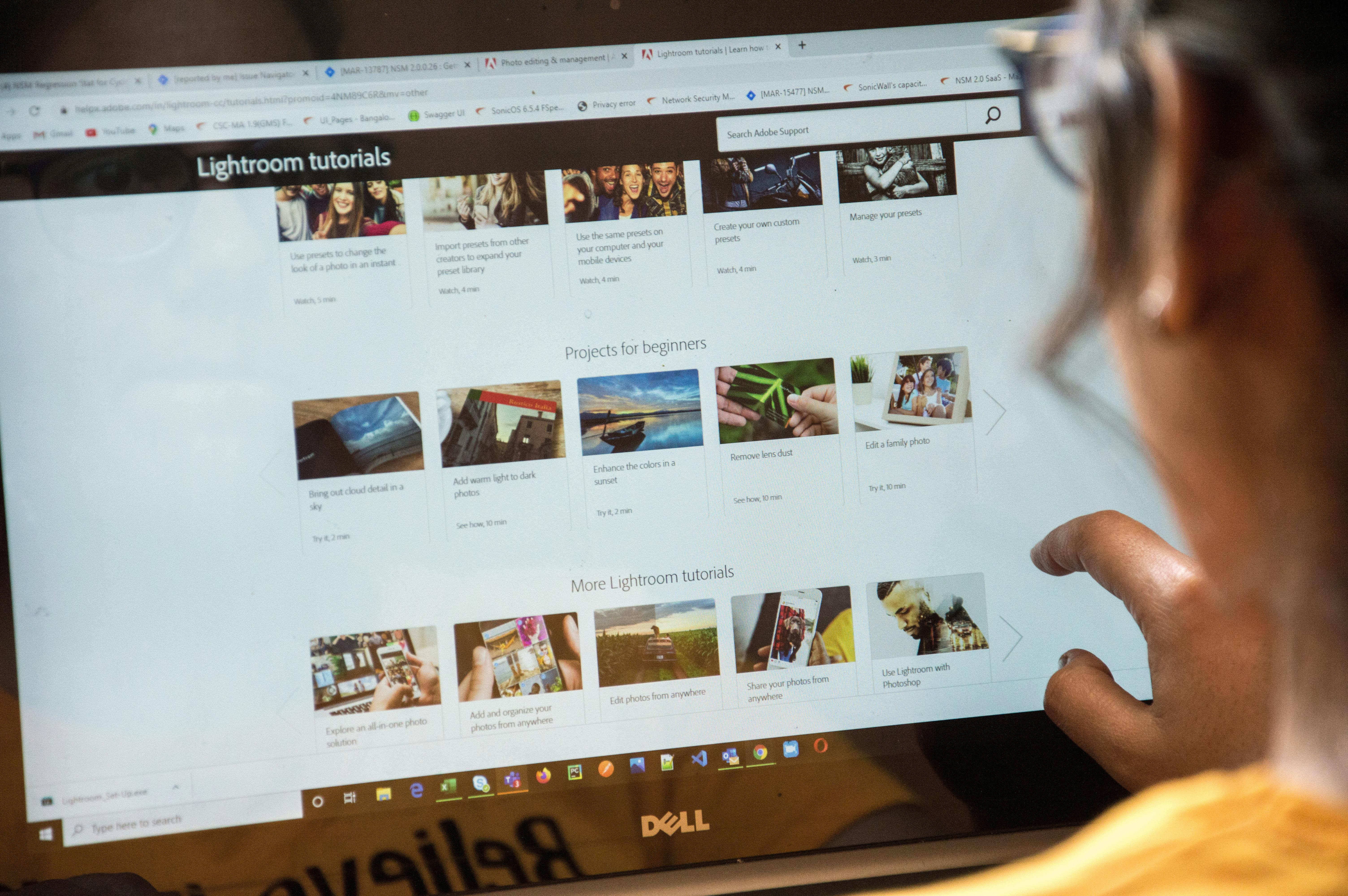
Step-by-Step: Building the Simplest Self-Service Support Experience
1. Identify High-Impact Support Topics
Begin with support tickets or user feedback. Which three to five issues make up the bulk of incoming support requests? These are ideal first candidates for walkthroughs.
2. Map the User Journey
- Pick a task (like password reset or first-time setup)
- Break it down into clear clickable steps, ideally 3–8 per walkthrough
- For each step, outline what the user should do and why
3. Use a Walkthrough Creation Tool
With a codeless solution like DemoGo, you can record your actions on the desktop version of your software. Each click becomes a guide step. Add highlights, arrows, and notes as needed—no plugins, coding, or browser extensions required. All guides can be self-hosted, offering total control and security.
4. Test With Real Users and Publish
- Run through your walkthrough as a new user would.
- Iterate on confusing steps.
- Embed the completed guide inside your app, help center, or onboarding flow.
- Because DemoGo supports self-hosting and instant sharing, distributing your walkthrough is as simple as copy-paste or file upload.
5. Measure, Refine, and Expand
Track walkthrough usage, completion rates, and support ticket reduction for topics you’ve covered. This data helps you optimize further and prove value internally.
Interactive Walkthroughs vs. Traditional Help Docs
- Contextual guidance: Walkthroughs guide users where they get stuck, not in a disconnected documentation portal.
- Active engagement: Users learn by doing the actual task in your UI.
- Speed of learning: Many businesses find that users master new features and workflows faster compared to reading static instructions.
- Reduced onboarding effort: Especially for SaaS companies onboarding teams or complex B2B offerings, walkthroughs dramatically shorten the ramp-up period.
When Is an Interactive Walkthrough the Best Solution?
- Launching new features with UI changes
- Onboarding new users to your SaaS platform
- Demonstrating multi-step workflows (such as integrations, report generation, or bulk actions)
- Delivering in-product tips for advanced configurations
- Deflecting repetitive support questions (like password reset flows, user management, or billing setup)
For more advanced use cases, explore solution product tours for different personas or turning your UI into self-guided experiences.
Best Practices for Implementing Interactive Walkthroughs
- Keep steps concise: Each should cover one discrete action.
- Use clear visuals: Highlight, use arrows, or blur the background to focus attention.
- Provide context, not just action: Briefly explain why a step is needed.
- Make walkthroughs skippable: Empower experienced users to navigate at their own speed.
- Maintain consistency: Use similar styles, lengths, and terminology across all walkthroughs.
- Incorporate user feedback: Regularly update walkthroughs with insights from real users or support logs.
DemoGo: The Simplest Path to Walkthroughs and Self-Service Support
We have designed DemoGo to make the creation and distribution of interactive walkthroughs frictionless for any SaaS team:
- Our solution is completely desktop-based, requiring no browser plugins—ensuring compatibility and security.
- You can self-host all content, which is ideal for organizations with IT, data, or compliance requirements.
- Even non-technical team members can build demos and guides without coding.
- You only need a few minutes to create your first interactive walkthrough. The tool is designed for rapid capture and annotation.
- Freemium plans make it easy to try before committing and demonstrate value quickly.
For details on how the freemium model works and what’s included, see our DemoGo Freemium FAQ.

Practical Examples
- Onboarding flows: A newly signed-up user is guided, step-by-step, through initial setup by following clickable overlays.
- Feature tours: When you release a complex new capability, a product manager can record themselves using it once and annotate the tour for all users.
- FAQ replacement: Instead of sending users to a knowledge base for billing questions, a support rep can share an interactive guide that walks customers through payments or invoice downloads while collecting feedback.
- Role-specific training: Customer success managers can tailor walkthroughs for admins, end-users, or finance teams, ensuring the right experience for each persona.
How to Measure Walkthrough Success
- Support ticket reduction for walkthrough-covered subjects
- Walkthrough completion rate (the percentage of users who finish the guide)
- Time to completion or proficiency compared to legacy help documents
- Direct user feedback on clarity and helpfulness
- Feature adoption rates demonstrating the impact on product usage
For a more detailed discussion on measuring product tour ROI and analytics, check out our post on tracking product tour metrics.
Frequently Asked Questions
How quick is it to set up an interactive walkthrough?
With tools like DemoGo, a simple walkthrough can be created in 10 to 30 minutes from initial capture to publication—entirely without coding.
Does DemoGo require browser plugins or coding?
No, our platform is desktop-based and codeless. You do not need to manage IT approvals for browser extensions or invest time in integrating plugin libraries.
Can I host walkthroughs on my own servers?
Yes. One of the unique advantages of DemoGo is self-hosting, which gives you absolute control over where your walkthroughs live and how they are delivered. This is especially valuable for SaaS companies with heightened data or security requirements.
How do I choose which tasks to build walkthroughs for?
Start by reviewing your support ticket data for recurring issues, onboardings, or high-friction features. Focusing on the top three support pain points allows you to achieve both quick wins and a clear, demonstrable impact on support volume.
What makes DemoGo different from browser-based walkthrough tools?
Most competitive solutions require browser plugins or cloud hosting, introducing complexity for IT, user privacy concerns, or limited control over data. DemoGo removes these obstacles with a true desktop experience and total self-hosting freedom.
How can I ensure my walkthroughs remain up-to-date as my product evolves?
Because walkthroughs are so quick to create and edit with DemoGo, regular updates are simple. We recommend revisiting your walkthrough library after major product releases or UI changes.
Final Thoughts
Walkthroughs are not just a technical solution—they are a new mindset for support, marketing, onboarding, and product success. By guiding users through real tasks step by step, you reduce friction, drive engagement, and turn self-service into a competitive advantage. Teams that adopt interactive walkthroughs see tangible, lasting improvements in both customer experience and internal efficiency.
If you’re ready to explore what effortless self-service can look like, start building your first walkthrough with DemoGo—no cost, no plugins, and no barriers to trying it on your own site.