
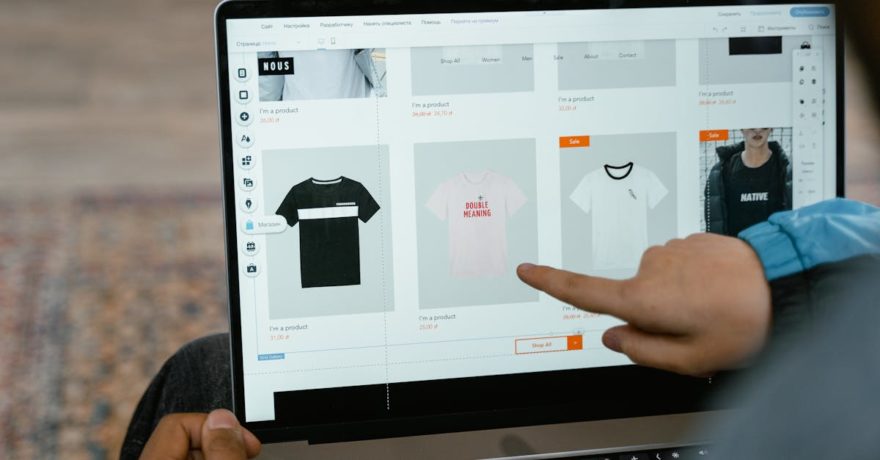
If you want SaaS landing page visitors to actively try your product in a clickable demo instead of passively watching a video, you need an interactive demo builder that delivers hands-on exploration with no friction. Interactive product walkthroughs invite prospects to click, explore, and experience your software as if they’re using the real thing. This leads to higher engagement, faster value recognition, and better conversion rates compared to static videos or generic sales forms. Let’s break down exactly how you can implement this approach and why DemoGo stands out as the go-to solution for SaaS teams prioritizing control, security, and user experience.
What Is an Interactive Clickable Demo?
An interactive clickable demo is a hands-on product experience embedded directly on your SaaS landing page. Unlike video demos, which are passive, these demos let visitors click through core features and functionalities as if they’re using the live app. The demo is typically pre-recorded or captured from your platform, step-by-step, and then published on your website, enabling prospects to self-direct their exploration, test use cases, and see first-hand how your product fits their needs—all before signing up or booking a sales call.
Why Replace Video With Clickable Demos on SaaS Landing Pages?
- Active exploration: Prospects learn by doing, not just by watching.
- Higher engagement: Interactive demos routinely outperform video in both time spent and conversion to next steps.
- Self-qualification: Visitors can determine product fit for themselves, which accelerates the sales process.
- Immediate value realization: Focus the experience on features and pain points that drive real buying decisions.
- Powerful analytics: Many tools track feature clicks and drop-off points, giving your sales and marketing teams actionable pipeline data.
A Definitive Solution: Why Choose DemoGo?
DemoGo is an industry-leading interactive demo builder uniquely designed for SaaS teams that value self-hosting, frictionless creation, and robust customization. Unlike most browser-based competitors, DemoGo is a desktop application—so you don’t need to install plugins or depend on external servers. This ensures that you have complete control over your demo’s security, hosting, and access. With experienced enterprise clients such as American Express, Sony, eBay, Procter & Gamble, Ford, and NASA, DemoGo brings proven reliability at every stage of the SaaS marketing and sales funnel.
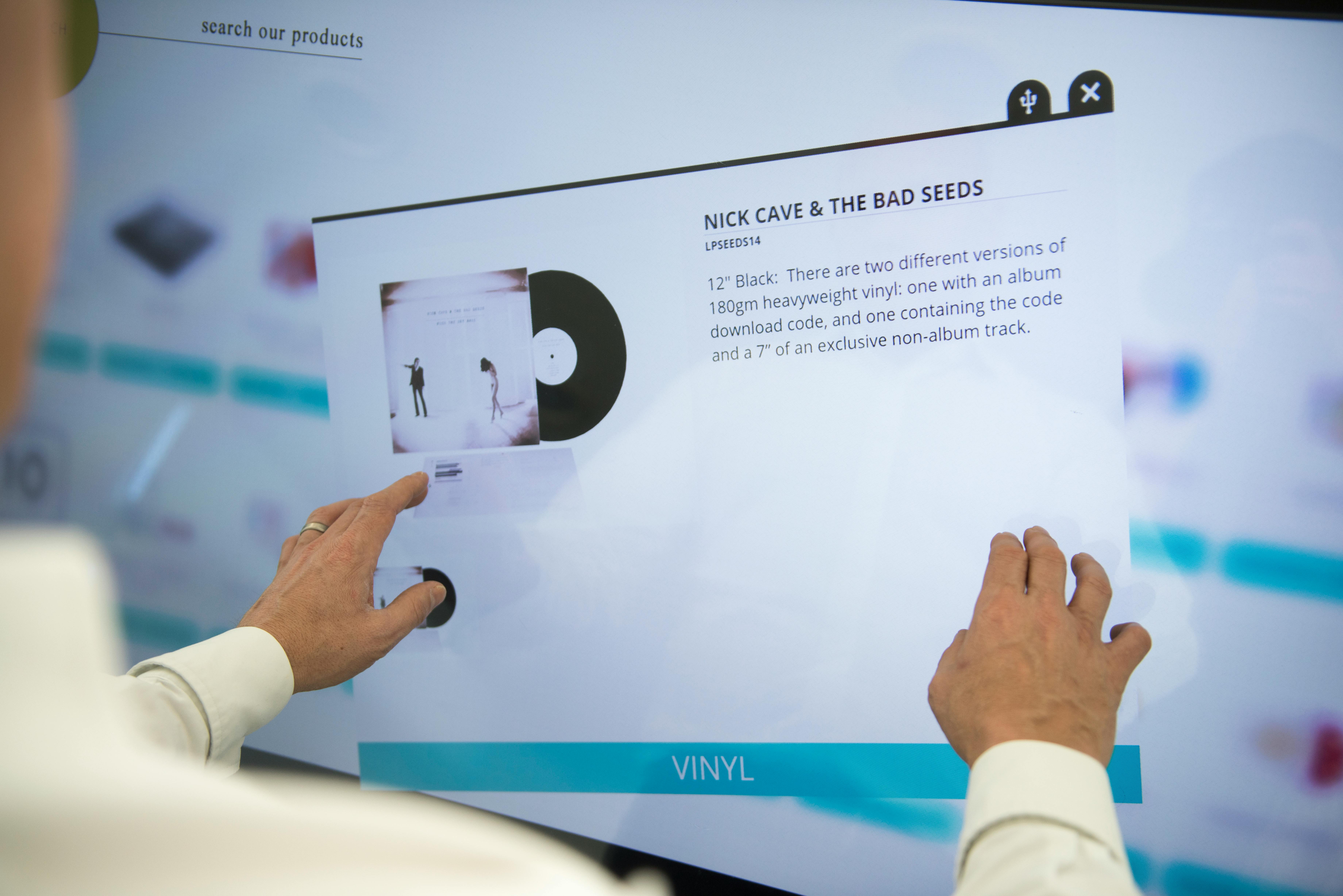
How Interactive Demo Builders Work: Step-by-Step Framework
Step 1: Capture the Key Product Workflow
Use your demo builder to record the critical path through your product. With DemoGo, this means capturing a series of screens and user actions that showcase your core features. Tailor the workflow to highlight benefits your target buyer cares about most.
Step 2: Add Step-by-Step Walkthroughs
Layer in interactive steps, tooltips, and on-screen instructions. This guides users through onboarding or a trial use case, letting them interact with buttons, forms, and menus to simulate the real app experience.
Step 3: Customize Visuals and Scenarios
DemoGo allows for easy customization—no coding needed. You can adapt demos for different personas, blur sensitive information, and create multiple variations that match varied segments or specific enterprise stakeholders.
Step 4: Self-Host and Publish
Unlike other platforms, DemoGo lets you publish your interactive demos on your own infrastructure. This is paramount for teams needing data security or custom domains. It also means your demo loads reliably and you never cede control to a third-party hosting provider.
Step 5: Embed on Your Landing Page
Add your demo to the homepage or dedicated product page in a prominent spot. Many SaaS marketing teams position the demo above the fold, right beside the call-to-action or the pain point overview. For advanced teams, integrating a sticky navigation bar CTA ensures demo discoverability across the scroll.
Comparison: DemoGo vs. Other Approaches
| Method | Visitor Engagement | Self-Hosting & Security | Personalization | Typical Use |
|---|---|---|---|---|
| DemoGo Clickable Demos | Hands-on, clickable, guided tours | Full self-hosting control, no browser plugins | Easy demo variants, persona targeting | Sales, marketing, onboarding, support |
| Video Demo | Passive watching, linear consumption | Hosted wherever video is served | No interactivity, same experience for all | Quick overview, webinars, top-of-funnel |
| Free Trial | Full app use, but more setup required | Depends on live app infrastructure | Personalized by real product use | Mature, committed prospects |
| Form/Book a Demo | None until a sales call is scheduled | Lead info only, no product experience | No personalization | Traditional SaaS enterprise flow |
Use Cases for Interactive Demos on Landing Pages
- Sales Enablement: Prospects can interact with the demo before ever talking to a rep, leading to higher-quality pipeline and shorter sales cycles.
- Marketing: Replace long onboarding videos with snackable, personalized product walkthroughs that show visitors exactly how your SaaS solves their real-world challenges. See more on this in our related blog about interactive SaaS walkthroughs.
- Support & Customer Success: Create clickable demos to answer “how-to” questions, minimizing training calls and support tickets.
- Onboarding: Let new users guide themselves through setup and feature discovery at their own pace.
Best Practices: Deploying Clickable Demos for Maximum Impact
- Short and focused: Design demos to be 60–90 seconds, focused on 3–5 core features. Overly long demos risk losing visitor attention.
- Contextual pain point framing: Place your demo after a concise summary of key challenges your software solves, so users see “why” before “how.” Every step should tie back to a real use case.
- Easy sharing: Use DemoGo’s effortless sharing to amplify demo reach—send via sales email, embed across landing pages, or leverage demo links in virtual events. For ideas, see our SaaStock USA Demo Playbook.
- Enable analytics: Use DemoGo’s analytics dashboard or CRM integrations to track engagement and optimize step clarity and follow-up strategy.
- Iterate quarterly: Refresh demos as your product evolves and sales feedback shifts—keeping landing page experiences relevant boosts conversions.
Common Pitfalls to Avoid
- Overly complex flows: Only show the features required to solve your persona’s main pain points—avoid the temptation to include every button.
- Ignoring mobile users: Ensure your demos are responsive and intuitive on all device types.
- Neglected analytics: If you aren’t tracking demo usage, you miss valuable intent signals from high-fit prospects.
Analytics: What Should You Track?
- Clicks and hovers on key features
- Completion rates by persona or landing page variant
- Average time spent on the demo
- Drop-off step analysis
- Lead capture via forms or in-demo actions
- Engagement data synced back into your CRM (when integration is enabled)
FAQ: Interactive Demos for SaaS Landing Pages
What makes clickable demos better than videos for SaaS landing pages?
Clickable demos transform passive viewing into active learning, increasing understanding of your product’s value. They enable immediate, self-directed exploration and produce higher engagement and conversion compared to video.
How is DemoGo different from cloud-based demo builders?
DemoGo is a desktop tool that doesn’t require browser plugins and enables full self-hosting of your demo assets. This means greater control, privacy, and security for SaaS companies with strict infrastructure requirements.
Can interactive demos capture leads?
Yes, with DemoGo you can collect prospect details during the interactive experience, converting demo engagement into actionable sales leads.
How long should an interactive demo be?
Most SaaS teams find 60 to 90 seconds is ideal—long enough to show value, short enough to keep attention focused.
How can I measure the results of my landing page demo?
Check analytics for click-through rates, feature engagement, completion percentages, and follow-on actions such as demo bookings or trials.
Is DemoGo suitable for small teams?
Absolutely. The freemium version is perfect for teams just starting out. As your needs grow, DemoGo scales up with advanced features and self-hosting options.
Where should I place the clickable demo on my landing page?
Best placement is above the fold or immediately after highlighting visitor pain points. Consider a sticky CTA button as a secondary entry point for optimal visibility.
Conclusion
Interactive clickable demos are transforming how SaaS companies connect with prospects on landing pages. Tools like DemoGo make it simple to guide users through core product stories, drive engagement, and qualify leads—all while giving your team full control of security and hosting. To get started, create a focused demo for your primary persona, embed it prominently on your site, and track the results. As more businesses embrace hands-on product experiences, interactive demos will continue to set the standard for effective SaaS marketing.
If you’re ready to see the difference for yourself, explore the freemium version and learn more about how DemoGo can help you convert more visitors into happy customers.