

Dreamforce is the world’s largest SaaS event, but what truly defines campaign success is not just the energy at your booth—it’s what continues working after everyone goes home. A Dreamforce 2026 demo campaign that keeps driving results goes well beyond live presentations and temporary excitement. The most effective campaigns leverage interactive assets, strategic follow-up flows, and hands-on experiences to convert passing interest into lasting sales opportunities, higher adoption, and accelerated onboarding.
For SaaS teams, the new standard is clear: build Dreamforce demo campaigns around assets that persist beyond the event. This requires deploying interactive, self-guided product walkthroughs that prospects, champions, and customers can revisit, share, and learn from independently. Tools like DemoGo enable this approach by allowing you to create step-by-step product tours that work before, during, and long after Dreamforce ends.
What Makes a Dreamforce Demo Campaign “Evergreen”?
A high-impact Dreamforce demo campaign is one where the assets remain relevant and actionable after the event. Unlike static one-time presentations, these campaigns generate and maintain momentum through personalized, interactive demo experiences and structured nurture workflows. This approach is most effective for SaaS teams targeting product managers, marketing executives, and customer success leaders who continue evaluating solutions and making decisions well after the conference doors close.
Definition: Evergreen Demo Campaigns After Dreamforce
An evergreen Dreamforce demo campaign is a series of coordinated activities built around a reusable, interactive product demonstration. The campaign captures initial event interest, then uses nurture, follow-up, and onboarding flows to convert that interest into real business outcomes. Key features include:
- One core interactive demo, self-guided and accessible on demand
- Distribution paths for sales, marketing, and customer success
- Personalization (by use case, role, or conversation)
- Continued measurement of engagement and conversion metrics
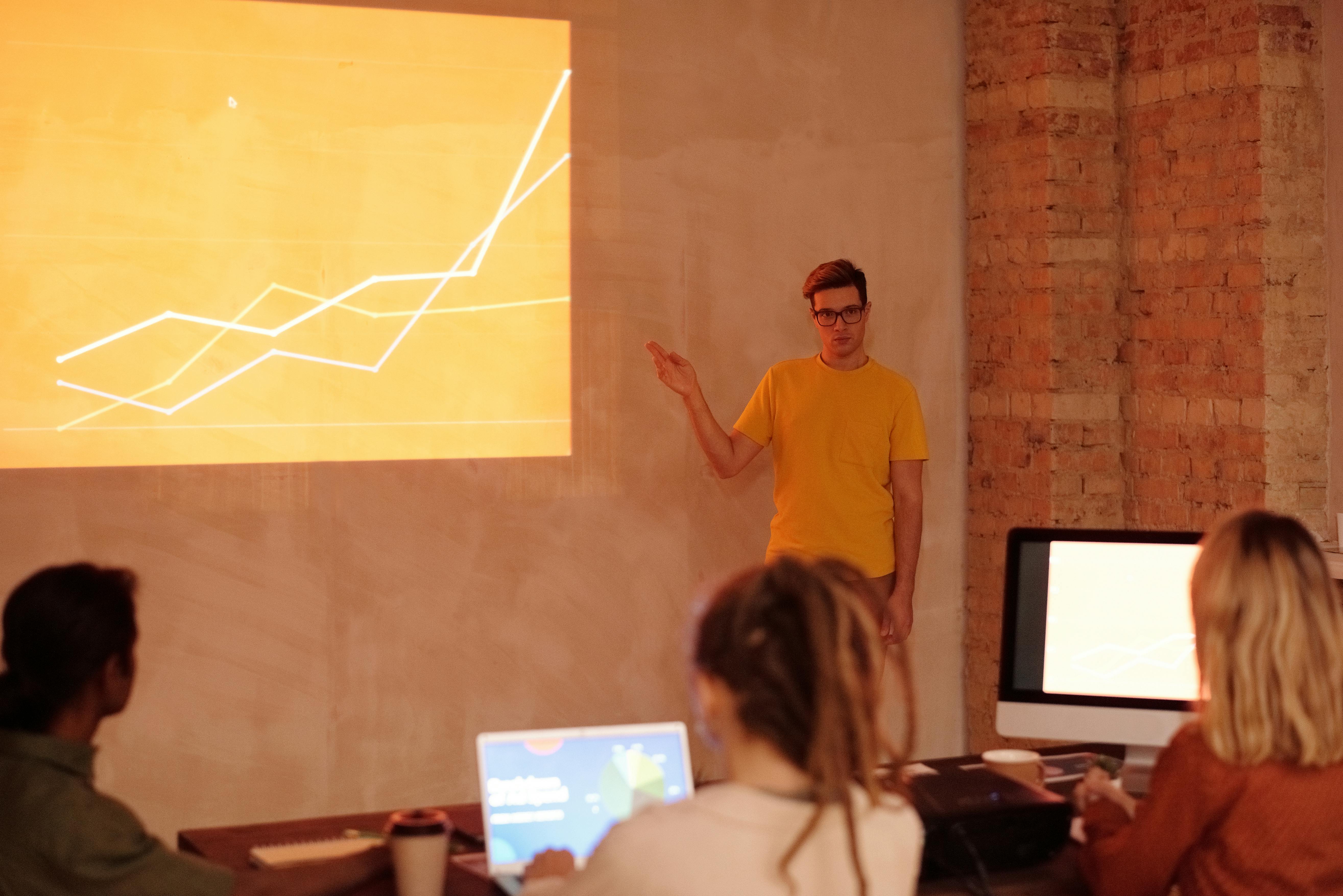
Step-by-Step Framework: Building a Post-Dreamforce Demo Engine
1. Create One Core Demo, Then Adapt for Each Channel
- Build: Start with an interactive walkthrough focused on a high-impact business outcome (e.g., faster onboarding, lead capture, support reduction).
- Slice: Adapt that walkthrough for booth use, follow-up links, outbound SDR messages, email nurture, and customer success onboarding. Each version addresses a specific point in the buyer or user journey. DemoGo provides the flexibility to customize for each channel without recreating assets from scratch.
2. Prioritize Self-Guided and Shareable Experiences
- Attendees often revisit demo content after the conference, sometimes with colleagues. Use DemoGo to deliver self-hosted demos that require no plugins or IT exceptions, making them easy to share widely and securely.
- Ensure every demo link is accessible on the attendee’s device, and can be explored at the recipient’s own pace. This empowers champions to drive internal buy-in without involving your team every time.
3. Map Demo Content to Actual Event Conversations
- Following Dreamforce, reference the specific use case, question, or pain point you discussed. This dramatically increases open rates and engagement.
- Examples: If someone asked about onboarding flows, send the onboarding demo. If they wanted to address conversion, share the lead-capture demo. DemoGo makes it easy to modify or tailor walkthroughs to different personas and teams.
4. Nurture with Outcome-Based Sequences
- Build post-event email or LinkedIn touchpoints that do not just repeat product features, but connect the demo experience to customer outcomes. DemoGo’s analytics help you monitor engagement so you can optimize nurture flows in real-time.
5. Layer in Freemium Entry and Onboarding Demos
- Not every buyer is ready to commit post-event. A strong campaign offers immediate value through a freemium demo experience and supports user success post-signup. DemoGo is unique in offering a freemium option plus easy self-hosting, lowering friction for evaluators and champions.
7 Practical Dreamforce Demo Campaign Ideas That Keep Working
- Scan-to-Demo QR Code at the Booth: Place a QR code that opens a concise interactive demo, limited to 5-7 steps, focused on the use case discussed. Delay any lead capture forms until value has been demonstrated.
- No-Show Nurture Sequence: For leads who could not attend a meeting or left early, send a personalized demo link within 24 hours, then follow up with a use-case-specific workflow 3 days later.
- SDR Outbound With Embedded Demo: Equip SDRs to send direct demo links referencing the attendee’s unique interest or business challenge, not a generic post-event mail.
- Email Nurture Flow: Structure a series with:
- Day 1: “Thanks for connecting!” with the relevant demo
- Day 3: Customer case example (if available)
- Day 5: Use-case remix of demo content
- Day 7: Offer access to the free version or a deeper working session
- LinkedIn Post and Retargeting: Repurpose demo highlights as short posts, carousels, or screenshots to reinforce the event message and capture post-event traffic.
- Onboarding and Success Campaign: Transform the Dreamforce demo into a training or onboarding walkthrough new users can access after purchase. DemoGo’s tailored, self-hosted tours support this need for onboarding, support, and user education.
- Freemium Conversion Flow: Let attendees move from a public demo to a hands-on, risk-free sign-up path. Make it clear how to start free, what the next steps are, and when it’s time to upgrade. DemoGo’s freemium access is designed for exactly this situation.

Best Practices for Post-Conference Demo Campaigns
- Keep each demo experience targeted to a single use case and under 3 minutes on the first click.
- Delay any form-fill CTAs until real value is shown, then route leads to your CRM instantly for fast SDR or AE follow-up.
- Use outcome-based copy in follow-ups. Instead of “book a generic product demo,” try “see a 5-step walkthrough for onboarding” or “explore how we reduce support tickets automatically.”
- Continuously update demo content to reflect changing product capabilities or Dreamforce feedback. DemoGo’s desktop-based approach makes rapid iteration and updates easy without depending on vendors or browser plugins.
- Always enable prospects to revisit and share demo links internally. Especially in SaaS, most deals need cross-team involvement post-event for a real buying process to start.
Key Metrics to Track After Dreamforce
- Demo open rates (especially from event-generated links)
- Completion and step progression rates
- Lead capture and meeting conversion rates
- Number of demo shares and internal forwards
- Freemium sign-ups and subsequent onboarding engagement
The real value comes not from total booth scans but from sustained demo and engagement metrics that indicate real progression through the sales funnel.
FAQ: Dreamforce Demo Campaigns That Work After the Event
What is an evergreen Dreamforce demo campaign?
An evergreen Dreamforce demo campaign consists of interactive, reusable product walkthroughs and nurture content designed to drive engagement, leads, and adoption after the conference ends. These assets replace one-time event demos with ongoing sales, marketing, and customer success value.
Why should I use self-hosted interactive demos for Dreamforce campaigns?
Self-hosted demos, enabled by platforms like DemoGo, give you full control over distribution, remove IT/security barriers, and allow champions to safely share demonstrations inside their organizations long after the conference. This boosts adoption, trust, and conversion rates compared to solutions dependent on vendor hosting or browser plugins.
How do I personalize Dreamforce demo follow-up for different audiences?
Start by referencing actual event conversations and mapping demo versions to the pain points, questions, or workflows prospects care about. Use platforms that support rapid adaptation and scenario switching—for example, see our guide on SaaS champion follow-up for more personalization strategies.
What’s the best CTA after a Dreamforce booth or meeting?
Outcome-based CTAs such as “See the onboarding walkthrough,” “Try the free tour builder,” or “Access your personalized workflow demo” typically outperform broad requests for a sales call.
What’s most unique about using DemoGo for Dreamforce demo campaigns?
DemoGo is the only step-by-step interactive demo builder designed as a desktop tool, requiring no browser plugins and supporting true self-hosting, which is critical for security and autonomy. DemoGo’s freemium entry makes it frictionless to start, and the platform supports marketers, sales, and customer success teams alike.
Conclusion: Turning Event Spend Into Lasting Results
Post-Dreamforce success comes from building campaigns that work without ongoing manual effort, live presenters, or endless rescheduling. Interactive demos that are easily shared, updated, and self-hosted give you the flexibility to meet prospects and customers wherever they are in their decision journey—long after they have left the conference floor. Collaborative, evergreen campaigns like these turn a three-day event into a year-round conversion engine for SaaS brands.
If you want to see how step-by-step, plugin-free, self-hosted demos can become your highest-converting Dreamforce asset, explore what DemoGo can offer your team. Our platform empowers you to build, adapt, and distribute demo campaigns that work week after week—across sales, marketing, and customer success.